
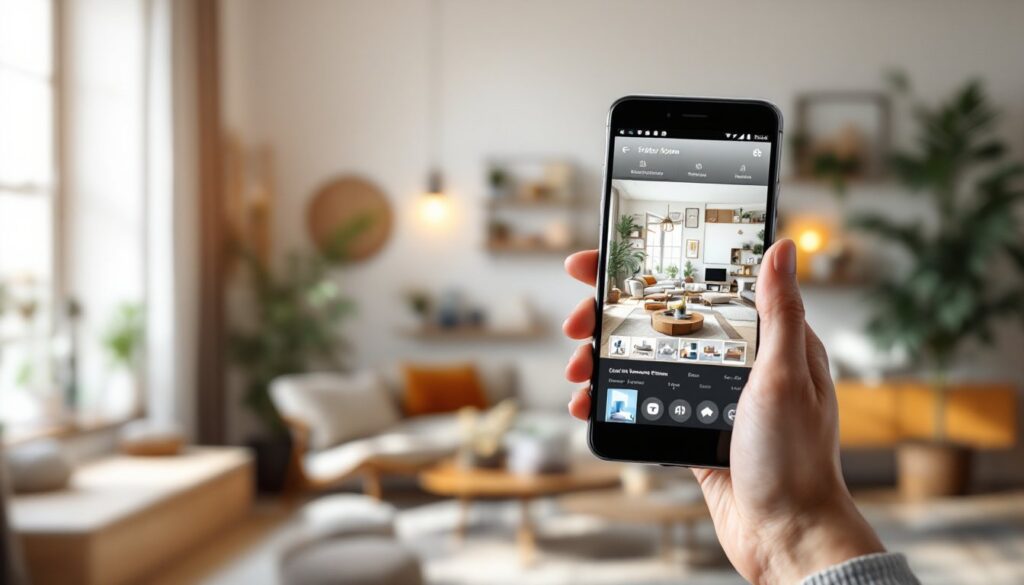
Planning a room renovation used to mean browsing endless Pinterest boards or hiring an expensive designer. Today, the best interior design apps put professional-grade visualization tools directly in your pocket. Whether you’re tweaking a bedroom layout, shopping for furniture, or testing paint colors before committing, these apps let you experiment without the guesswork, or the cost. The right tool can save hours of time, prevent costly mistakes, and help you confidently make decisions about your space. We’ve tested the top contenders to show you which interior design apps actually deliver and which ones deserve a spot on your phone.
Key Takeaways
- The best interior design app combines accurate space measurement, a substantial furniture library, intuitive controls, and high-quality 3D or AR visualization to help you plan room changes confidently and affordably.
- AI-powered interior design apps like RoomGPT and Spaced generate multiple design variations in seconds, though results depend heavily on photo quality and lighting conditions.
- Free AR tools such as IKEA Place and Wayfair’s Decorator let renters and budget-conscious homeowners visualize furniture in their actual space without measurements or expensive designer fees.
- Choose your interior design app based on your specific goal: use AR apps for quick single-room previews, floor planning tools for comprehensive layouts, AI apps for before-and-after renderings, or designer-connected apps for professional refinement.
- Cross-device syncing and the ability to upload your own furniture images are essential features that separate truly useful interior design apps from frustrating ones.
- Starting with a free interior design app like Floorplanner, IKEA Place, or Wayfair’s Decorator helps you determine if digital planning fits your workflow before investing in premium options.
What Makes a Great Interior Design App
A solid interior design app does more than look pretty, it solves real problems. First, it should measure your space accurately. Many apps let you snap a photo or input room dimensions, then populate a 2D floor plan or 3D model. That foundation matters: garbage in, garbage out.
Second, the app needs a substantial furniture and décor library. If you can’t find the exact pieces you want, the tool becomes frustrating. The best apps either source from major retailers (IKEA, Wayfair, Amazon) or let you upload your own product images.
Third, ease of use counts. A designer-grade tool with a 40-minute learning curve isn’t helping someone who wants to test a couch placement in five minutes. Intuitive controls and clear feedback are non-negotiable.
Finally, visualization quality matters. Can you see your space in realistic lighting? Can you rotate objects and view from different angles? Can you test multiple color schemes before painting? These features separate toys from genuinely useful tools. A great app also syncs across devices, so you can start on your tablet and refine on your phone, or share designs with family members for feedback.
Top-Rated Interior Design Apps That Deliver Results
AI-Powered Visualization Tools
AI-powered apps have transformed room design by instantly generating realistic renderings. These tools use machine learning to understand spatial relationships and suggest layouts or color combinations based on your photos.
RoomGPT and similar AI apps let you upload a photo of your current room, then use AI to reimagine it with different styles, colors, or furniture. You snap one picture, and the app generates 10–15 variations in seconds. The catch: results vary wildly depending on image quality and lighting. A well-lit, clutter-free photo produces much better outputs than a dark, cluttered one.
Spaced combines 3D floor planning with AI-assisted décor suggestions. You build or import a floor plan, and the app recommends furniture layouts and color palettes based on your room’s dimensions and style preferences. It’s especially useful for visualizing how a new sofa will actually fit, not just guessing from dimensions.
Havenly bridges AI and human expertise. The app lets you design your space digitally, then optionally connect with a professional designer who can refine your ideas or source products. It’s pricier than standalone apps, but the human feedback loop appeals to people who want confidence they’re on the right track.
Budget-Friendly Options for Renters
Renters and budget-conscious DIYers often skip design apps because they assume they’re expensive or overkill for temporary spaces. Wrong on both counts.
IKEA Place is free and surprisingly powerful. It uses augmented reality (AR) to place IKEA furniture into your actual space via your phone’s camera. Walk around your living room, plunk down a bookshelf, see how it looks. No measurements needed, the app reads your space in real time. The drawback: catalog limited to IKEA products, though that covers most affordable furniture basics.
Wayfair’s Decorator app is similarly free and AR-based, with access to Wayfair’s massive catalog. It’s less polished than IKEA Place, but the furniture selection is broader and prices are competitive. Great for renters testing statements pieces without commitment.
Floorplanner is a free web-based tool (also has apps) for 2D floor planning. It’s not glitzy, but it’s reliable. You input room dimensions, place walls, add furniture from a decent library, and generate overhead layouts. No 3D rendering, no AR magic, just clean, functional planning. Perfect for working out a furniture arrangement before buying anything.
How to Choose the Right App for Your Needs
Choosing an interior design app depends on what you’re actually trying to accomplish.
For visualizing a single room quickly: Use an AR app like IKEA Place or Wayfair’s Decorator. Point your phone at the space, drop in furniture, and see what sticks. These work best if you’re shopping within one retailer’s catalog.
For comprehensive floor planning: Go with Floorplanner or RoomSketcher if you want precise 2D layouts and overhead views. These shine when you’re mapping out traffic flow or rearranging an entire floor plan, less about looks, more about function.
For realistic before-and-after renderings: RoomGPT or Spaced are your friends. Upload a photo or build a 3D model, then generate multiple design variations. Expect to spend 10–15 minutes per room and have some trial-and-error with photo angles and descriptions.
For ongoing design refinement: Havenly or similar apps with designer access work if you’re willing to pay for professional feedback. Budget $150–$400 for designer consultation, depending on room size.
Also consider your workflow. Do you plan to work primarily on your phone, or will you move between phone and tablet? Some apps sync beautifully across devices: others force you to start over. Read user reviews specifically for cross-device behavior before downloading.
Another factor: product sourcing. If you have a specific piece in mind but it’s not in the app’s furniture library, can you upload your own image or find a similar alternative? The app with the biggest library isn’t always the best, the one that lets you work with your actual furniture is.
Conclusion
Interior design apps won’t replace a professional designer, but they’ve eliminated the guesswork and expense of planning changes to your home. Whether you need a quick AR preview or a detailed 3D floor plan, there’s a tool that fits your budget and workflow. Start with a free app, Floorplanner, IKEA Place, or Wayfair’s Decorator, to see if digital planning clicks for you. If it does, upgrade to a more feature-rich option. The best interior design app is the one you’ll actually use, so pick something that matches how you think about space.